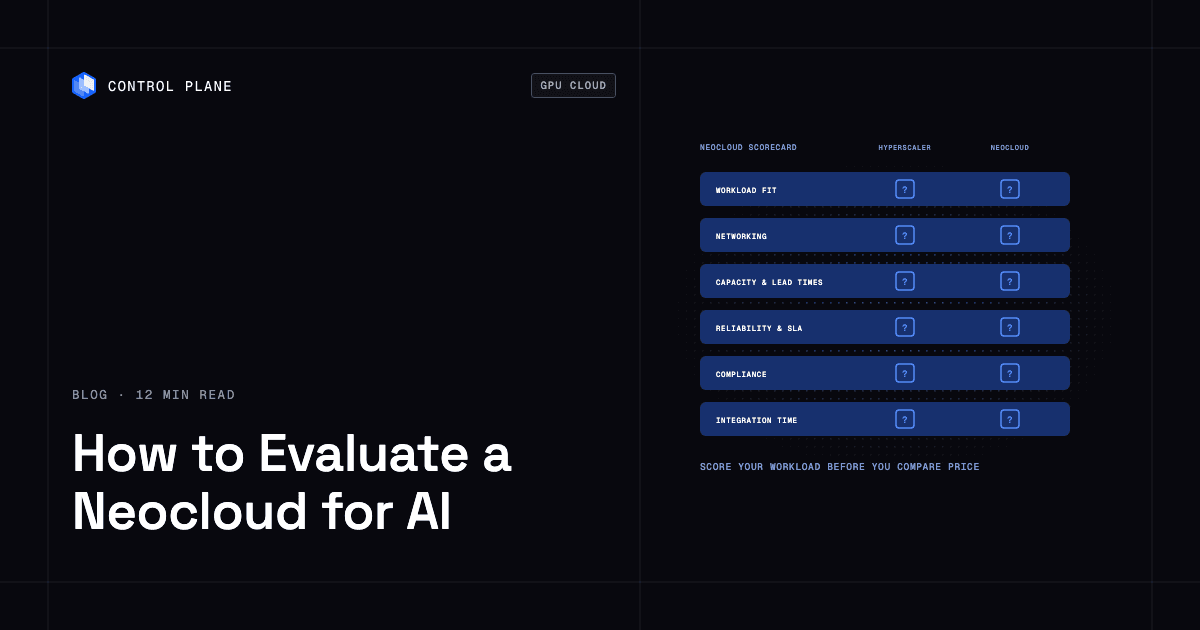
A neocloud is worth adding to your stack when GPU price, availability, or interconnect performance for your workload beats what your hyperscaler offers by enough to cover the cost of running a second environment. Evaluate it on workload fit, networking, capacity and lead times, reliability, compliance, integration time, and total price. Control Plane lets teams add a neocloud GPU cluster as another location next to AWS, GCP, or Azure and run the same workloads across them from a single definition, which cuts integration time.
Disclosure: Control Plane publishes this guide.
TL;DR
Core evaluation criteria:
- Workload fit: Does the provider offer the GPU model, memory, and cluster topology your training or inference job needs?
- Networking: Does the interconnect (InfiniBand, RoCE, or EFA) support your distributed training communication patterns?
- Capacity and lead times: Can you get the GPUs you need, when you need them, at a commitment term that matches your planning horizon?
- Reliability: What uptime SLA does the provider publish, and how fast does it replace failed GPUs?
- Compliance: Does the provider hold the attestations your security team requires, and can it meet your data residency constraints?
- Integration time: How long will it take your team to connect networking, identity, CI/CD, observability, and data pipelines to a new provider?
When a neocloud wins: You need large contiguous GPU clusters fast, your workload is sensitive to interconnect quality, or your hyperscaler cannot deliver capacity on your timeline.
When to stay on the hyperscaler: Your stack leans on its managed services, or you need only a few inference GPUs.
Integration time drivers: Private connectivity, identity federation, CI/CD changes, observability, images and drivers, and data movement. The more provider-specific glue your application uses, the longer integration takes.
How Control Plane fits: Teams can add a GPU cluster running on a neocloud as a location in Control Plane’s Global Virtual Cloud (GVC), a set of locations a workload runs across. Services then run across the hyperscaler and the neocloud from one definition, and GPU inference runs across GPU clusters on both, with no separate deployment pipeline, dashboards, or access controls per provider.
How do I evaluate whether a neocloud is worth adding to my stack?
Use this scorecard to structure your evaluation. For each criterion, ask the provider the listed question, compare the answer against what good looks like, and watch for the red flags.
| Criterion | What to ask the provider | What good looks like | Red flags |
|---|---|---|---|
| Workload fit (training, inference, fine-tuning; GPU models and memory) | Which NVIDIA GPU families do you offer, and what is the maximum cluster size for a single training job? | The provider offers the GPU generation your framework requires with enough scale for your largest job. | Only older GPU generations available; no clear path to next-generation hardware. |
| Price and commitment terms | What are your on-demand, reserved, and spot or preemptible rates? What is the minimum commitment? What are egress charges? | Transparent pricing with flexible terms, low or zero egress fees, and per-minute or per-hour billing for on-demand. | Long mandatory commitments with no early-exit clause; opaque or high egress fees. |
| Capacity and lead times | How quickly can you provision a 64-node GPU cluster? Is capacity available now or contracted for a future date? | Clear communication about current inventory, waitlists, and delivery dates. | Vague timelines; capacity “subject to availability” with no commitment on provisioning. |
| Cluster networking (InfiniBand, RoCE, GPUDirect RDMA, topology) | What interconnect fabric do you use between nodes, and at what bandwidth per GPU? What is the oversubscription ratio? Do you support GPUDirect RDMA? Can I control placement topology? | InfiniBand or RoCE at the bandwidth your job needs (400 Gb/s per GPU is common on current clusters), a non-blocking (1:1) fabric, GPUDirect RDMA enabled, and topology-aware scheduling. | Shared Ethernet fabric with no RDMA support; oversubscribed links; no topology guarantees. |
| Storage and data movement | What parallel file system do you offer? How do I bulk-ingest datasets? Do you offer S3-compatible object storage? What does it cost to copy checkpoints to another cloud? | A high-throughput parallel file system, checkpoint writes that do not stall training, and a bulk ingest path. | NFS-only storage; checkpoint I/O is a known bottleneck; per-GB egress on checkpoint copies. |
| Reliability (SLA terms, status history) | What is your uptime SLA? What does your status page history look like? | A published SLA with service credits and a transparent incident history. | No published SLA; status page is empty or hidden. |
| GPU health and replacement | How do you burn in nodes before handover? Do you run active health checks such as DCGM diagnostics and NCCL tests? How fast do you replace a failed GPU or node, and do you credit the lost time? | Burn-in and acceptance tests before handover, continuous health checks, automatic cordoning, and a written replacement window with credits. | No acceptance testing; you find bad nodes yourself; replacement on a best-effort basis. |
| Support model | What are your response times by severity? Is support 24/7? Do I get a named engineer and escalation to people who know the fabric? | 24/7 support with severity-based response times, a named technical contact, and direct escalation for fabric and hardware issues. | Ticket-only support; business hours only; no response-time commitment. |
| Compliance and data residency | Which compliance attestations do you hold, and do they cover the data center operator as well as your own operations? Where are GPUs physically located? Do you sign BAAs? | The attestations your security team requires, a HIPAA BAA where needed, and clear data residency documentation. | No published attestations; unclear data residency; unwillingness to sign a BAA. |
| Managed Kubernetes, Slurm, and APIs | Do you offer managed Kubernetes, managed Slurm, or both? What APIs and IaC integrations exist? | CNCF-conformant managed Kubernetes and managed Slurm with GPU-aware scheduling, Terraform or Pulumi providers, and APIs for provisioning. | One scheduler with no managed option; CLI-only management; no IaC support. |
| Integration with your existing cloud | Can I set up private connectivity to my AWS, GCP, or Azure VPC? How does identity federation work? | Private interconnect or VPN options, OIDC or SAML identity federation, and observability export to standard tools. | Public internet only; no identity federation; proprietary monitoring with no export. |
| Exit cost | What happens if I want to leave? Are there early termination fees? How do I get my data out? | No lock-in beyond the commitment term, reasonable data export mechanisms, and standard formats for models and data. | Punitive early termination fees; proprietary data formats; slow data export. |
Worked scoring example
Assign each criterion a weight based on your organization’s priorities. The weights and scores here are illustrative; adapt them to your workload.
| Criterion | Weight | Provider A score (1-5) | Provider B score (1-5) |
|---|---|---|---|
| Workload fit | 15% | 5 | 4 |
| Price and commitment terms | 15% | 3 | 4 |
| Capacity and lead times | 15% | 4 | 3 |
| Cluster networking | 15% | 5 | 3 |
| Storage and data movement | 5% | 4 | 3 |
| Reliability and GPU health | 10% | 4 | 2 |
| Support model | 5% | 4 | 3 |
| Compliance | 10% | 3 | 4 |
| Managed Kubernetes, Slurm, and APIs | 5% | 4 | 3 |
| Integration with existing cloud | 3% | 2 | 5 |
| Exit cost | 2% | 4 | 3 |
Multiply each score by its weight and sum to get a composite. In this example, Provider A scores 3.99 and Provider B scores 3.36. A team doing multi-node distributed training will weight networking and capacity heavily. A team running single-GPU inference endpoints may weight integration and compliance higher.
CoreWeave vs Lambda vs Nebius vs AWS for GPU workloads
This table compares four providers across the dimensions buyers most often ask about, based on each provider’s own pages. No ranking is implied.
| Dimension | AWS | CoreWeave | Lambda | Nebius |
|---|---|---|---|---|
| What it is | Global hyperscaler with a broad cloud services portfolio, including GPU compute. | GPU-specialized cloud provider focused on AI and HPC workloads. | GPU cloud built for AI researchers and engineers. | AI-focused cloud provider with infrastructure and managed AI platform services. |
| NVIDIA GPU families offered | A broad range of EC2 GPU instances, including H100 (P5), H200 (P5e and P5en), and Blackwell GPUs (P6-B200, P6-B300, and P6e-GB200). | H100, H200, and Blackwell-generation GPUs, per CoreWeave. | H100, H200, B200, B300, and GB300 GPUs, per Lambda. | H100, H200, and Blackwell-generation GPUs, per Nebius. |
| Cluster networking | Elastic Fabric Adapter (EFA) for low-latency node-to-node communication, and EC2 UltraClusters for tightly coupled GPU placement. | NVIDIA Quantum InfiniBand, with GPUDirect RDMA. | Quantum-2 InfiniBand for multi-node GPU clusters. | InfiniBand fabrics for GPU clusters. |
| Managed Kubernetes | Amazon EKS. | CoreWeave Kubernetes Service (CKS). | Managed Kubernetes on 1-Click Clusters. | Managed Service for Kubernetes. |
| Managed Slurm | AWS Parallel Computing Service (PCS) and SageMaker HyperPod. | SUNK (Slurm on Kubernetes). | Managed Slurm on 1-Click Clusters. | Soperator (Slurm on Kubernetes). |
| Capacity model | On-Demand, Spot, Savings Plans, Reserved Instances, and EC2 Capacity Blocks for ML for reserved GPU access during defined windows. | On-demand, spot, and reserved capacity. | On-demand with per-minute billing, and reserved clusters. | On-demand, preemptible, and committed capacity. |
| Breadth of surrounding services | Hundreds of managed services: databases, analytics, ML platforms, event systems, identity, and networking. | Focused on compute, storage, and networking for AI and HPC. | Focused on GPU compute with integrated AI frameworks. | AI platform services, including managed inference, storage, and developer tooling. |
| Published compliance attestations | A broad set, including SOC 1, 2, and 3, ISO 27001, HIPAA eligibility, PCI DSS, and FedRAMP, per the AWS compliance programs page. | SOC 2 Type II, ISO 27001, ISO 27017, and ISO 27018, per the CoreWeave trust center. | SOC 2 Type II and ISO 27001, among others, per Lambda. | SOC 2 Type II, ISO 27001, HIPAA, and GDPR, per the Nebius trust center. |
Attestations change, so confirm current scope on each provider’s page before you sign. For a broader survey of GPU cloud options, see the best GPU cloud providers in 2026.
How do performance and networking differ between hyperscalers and alternative AI infrastructure providers?
The differences show up most clearly in five areas: GPU interconnect, placement control, storage throughput, egress pricing, and latency to your existing data and users.
Interconnect between GPUs and nodes. Distributed training jobs spend a significant share of their time in collective operations (all-reduce, all-gather) that move gradients between GPUs across nodes. Inside a node, GPUs talk over NVLink and NVSwitch; the scale-out fabric carries traffic between nodes. Neoclouds commonly use InfiniBand fabrics with GPUDirect RDMA, which lets the network adapter read and write GPU memory directly, so data moves between GPUs on different nodes without passing through the CPU or host memory. Hyperscalers differ from one another. AWS uses its Elastic Fabric Adapter (EFA), an RDMA-style transport. Azure ND-series GPU VMs use InfiniBand. Google Cloud’s A3 Ultra and A4 machines use RoCE (RDMA over Converged Ethernet) with GPUDirect RDMA. Each can deliver high bandwidth; the right test is your own job at your target scale.
Placement and topology control. Training performance degrades when GPUs that communicate often sit far apart in the network topology. AWS addresses this with EC2 UltraClusters and placement groups. Neoclouds that build clusters only for GPU workloads often let you request nodes on the same leaf switches or rail group.
Storage throughput. Large training jobs read terabytes of data and write checkpoints frequently. Both hyperscalers and neoclouds offer high-throughput parallel storage, but the products and performance vary. Check whether checkpoint writes stall training and whether storage sustains throughput under concurrent access from many nodes.
Network egress pricing. Hyperscalers typically charge for data leaving their network. Some neoclouds advertise zero or low egress fees. This matters when you move training data in, ship model artifacts out, or serve inference results to users on another network.
Latency to your data and users. A neocloud region far from your databases or users adds latency to every call that crosses providers. Plan where data lives before you plan where GPUs run.
Inference is less sensitive for models that fit on one GPU. For those models, interconnect performance matters far less than for multi-node training, and the decision shifts toward availability, price, latency to your users, and integration effort. Models sharded across GPUs with tensor parallelism need NVLink within the node, and models served across nodes need the same fabric checks as training. For running inference across several providers, see how to run AI inference across multiple GPU clouds.
How do I evaluate capacity constraints and lead times when procuring GPUs?
GPU capacity is not interchangeable. The GPU model, cluster size, interconnect, and region all constrain what is available and when. Check these points before committing:
- Current versus contracted capacity. Confirm whether the quoted capacity exists today or is a future commitment.
- Cluster size limits. Find the largest contiguous cluster the provider can deliver. A 256-GPU cluster on a single InfiniBand fabric is a different product than 256 individual GPU VMs.
- Delivery in tranches. Large reservations often arrive in batches, so get the delivery schedule in writing.
- Reservation terms. Understand the minimum commitment, whether you pay for idle capacity, and what happens if you need to scale down early.
- Preemption notice. On preemptible capacity, confirm the notice period and that your job can checkpoint and resume within it.
- Hyperscaler quotas. GPU instances on AWS, GCP, and Azure need quota increases, and approval can take time.
- Hardware generation roadmap. Ask whether the provider will offer next-generation GPUs when they ship, and what the migration path is.
Hyperscalers expose reserved capacity through structured programs. AWS offers EC2 Capacity Blocks for ML, which reserve GPU instances for a defined time window. Google Cloud and Azure offer their own reservation mechanisms for GPU VMs.
The best defense against single-provider capacity risk is keeping workloads portable. If your training job runs in containers on Kubernetes with standard frameworks, you can move it between providers from one run to the next when capacity or pricing changes. For when to build your own GPU cluster versus renting, see the build vs rent GPUs break-even model. For a broader look at alternatives, see the best hyperscaler alternatives in 2026.
Which GPU hosting providers are best for developers and AI users who need compliance and privacy?
The best fit is the provider whose published attestations, regions, tenancy options, and key controls match your requirements. Hyperscalers hold the broadest compliance portfolios, and the leading neoclouds publish SOC 2 Type II and ISO 27001 attestations, with HIPAA coverage at some. Verify current scope on each provider’s trust page.
What factors determine GPU hosting versus private cloud for compliant AI workloads?
Check these dimensions before comparing price.
Attestations. SOC 2 Type II is the usual baseline for enterprise workloads, and some buyers also require ISO 27001. If you handle protected health information, you need a HIPAA business associate agreement. Many neoclouds run in colocation facilities, so ask whether an attestation covers the provider’s own operations, the data center operator, or both.
Data residency and region choice. Know where your GPUs physically sit. Under GDPR, confirm that training data and model weights stay within approved jurisdictions. Hyperscalers operate far more regions than any neocloud, though GPU instance types are available in only a subset of them, and neocloud regions vary by provider.
Tenancy. Dedicated, single-tenant hardware removes noisy-neighbor concerns and satisfies some rules that prohibit shared infrastructure. Several neoclouds offer bare-metal instances, and AWS offers dedicated hosts and bare-metal instances. Confirm whether “dedicated” means dedicated hardware or a dedicated VM on shared hardware.
Encryption and key control. Verify encryption at rest and in transit, and whether you can bring your own keys. AWS KMS and CloudHSM provide extensive key management. Neocloud key management varies, so confirm it directly.
Audit logging. Your compliance team needs records of who accessed what, and when. AWS CloudTrail is the usual reference point. Confirm that a neocloud offers equivalent audit logging that you can export to your SIEM.
When private cloud or your own GPUs make sense. If your data cannot leave your premises, or your compliance framework requires physical control over hardware, a private GPU cluster is the right answer. You then absorb the full operational burden: procurement, power and cooling, networking, patching, and hardware failures. On Control Plane, those servers can join as a location through the Generic provider in Control Plane’s Managed Kubernetes, so the Kubernetes layer is managed for you. For most organizations, a compliant cloud provider with the right attestations and contractual controls is more practical.
How long does it take to add a new cloud provider to an existing production app?
It depends on how much provider-specific glue your application uses. An application that calls Amazon SQS, DynamoDB, S3, and IAM through SDKs in every service takes much longer to run on a second provider than one built on Kubernetes-native APIs and portable storage interfaces.
The main drivers of integration time:
- Networking and private connectivity. VPN tunnels or dedicated interconnects between your existing cloud VPC and the new provider, which often involve procurement, IP planning, and firewall changes.
- Identity and secrets. Federating identity so workloads on the new provider can reach your existing cloud services without long-lived credentials. Each provider has its own IAM model.
- CI/CD and IaC changes. Pipelines and Terraform configurations need to target the new provider, and a platform-specific deployment tool may require a second pipeline.
- Images and drivers. CUDA, NCCL, and driver versions must match the new provider’s hosts, and large images must pull quickly from a registry near the new location.
- DNS and traffic routing. Endpoints and load balancing must cover the new location.
- Observability. Metrics, logs, and traces from the new provider must flow into your existing dashboards and alerting.
- Data movement. Training data, model artifacts, and application state must be reachable from the new location through replication, caching, or new storage mounts.
- Running a second set of tooling. Without a unifying layer, your team operates two sets of dashboards, access controls, and runbooks.
A platform layer that abstracts provider-specific details reduces each of these drivers. You define your workload once and deploy it to multiple locations instead of building bespoke integrations for every provider. For a walkthrough, see how to add a neocloud to AWS or GCP without running a second stack.
How Control Plane fits
Control Plane is the unbreakable platform for running production workloads. It runs serverless, standard, stateful, and cron workloads natively on AWS, GCP, and Azure and on Kubernetes clusters you already run, including on premises, active-active across regions and clouds. VM workloads run on locations with KVM-capable nodes created with Control Plane’s Managed Kubernetes (MK8s), a CNCF-certified Kubernetes service that runs worker nodes in your own cloud account or on your own servers while Control Plane operates the Kubernetes control plane.
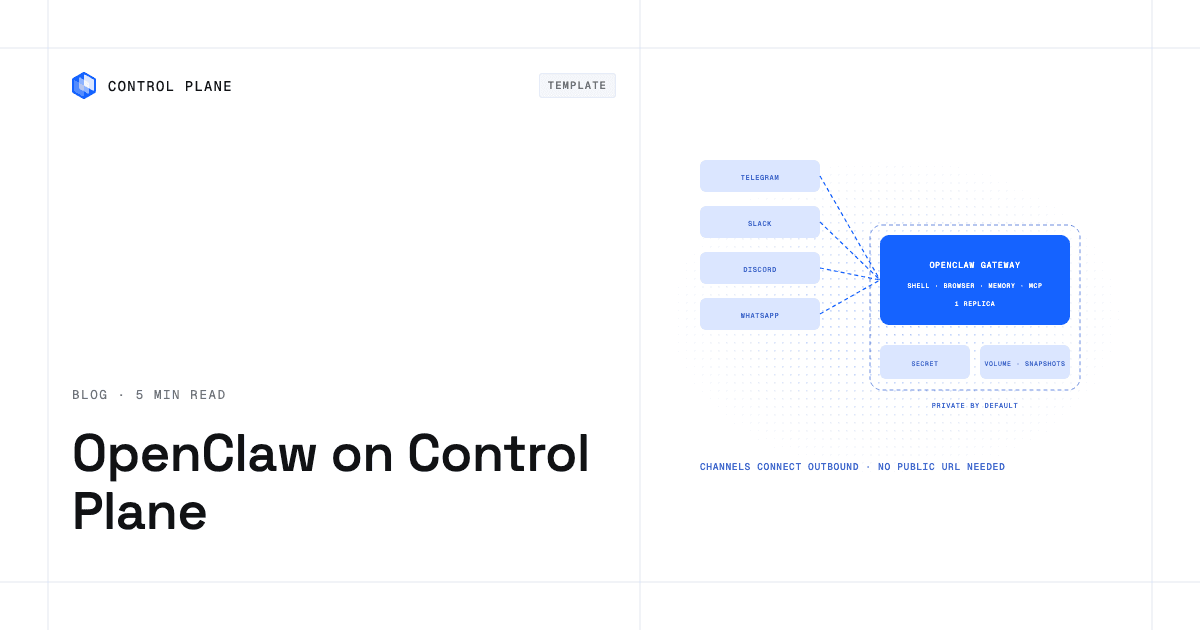
You can add a GPU cluster you already run, including one on a neocloud, as a location through Bring Your Own Kubernetes (BYOK), Control Plane’s way to register an existing Kubernetes cluster. You create the location in Control Plane and apply its generated kubectl install command to the cluster, which deploys the Control Plane BYOK agent. You can also build a cluster from neocloud GPU servers with the Generic provider in MK8s, which joins Linux servers by running a join script on each one; its CPLN Platform add-on then installs the location. Workloads on those locations request the cluster’s GPUs by the Kubernetes resource name its nodes advertise. Control Plane’s pricing page lists NVIDIA GPUs from T4 to B200; GPU pricing on a neocloud location is set by that provider.
On Control Plane, every location in a GVC serves the same workload at once. You can serve inference from a GPU cluster in your AWS, GCP, or Azure account and a neocloud cluster together, with both added as locations, and each workload’s global endpoint routes requests to the nearest healthy location, so traffic moves to the remaining locations if one fails. This applies to inference and services; a distributed training job runs inside one provider’s GPU fabric.
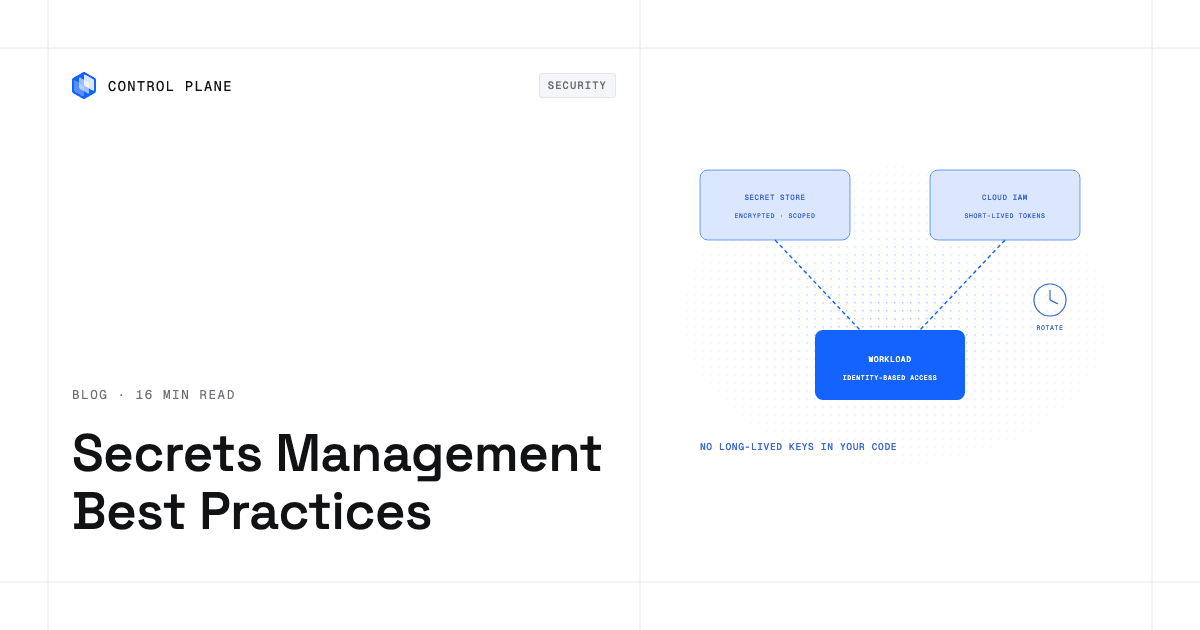
Control Plane’s Universal Cloud Identity (UCI) lets workloads call AWS, GCP, and Azure services with no long-lived cloud keys in your code, which shortens the identity step of adding a provider.
Control Plane handles Day 2 operations for you, including autoscaling, built-in observability, and security. You never have to operate a Kubernetes cluster on Control Plane-managed locations. The 99.999% availability SLA applies to workloads running at least two replicas in at least two locations. Those locations can be on different providers, for example one AWS region and one neocloud location.
Control Plane ships its own Terraform and Pulumi providers, so it complements the infrastructure as code you already run. Customers typically cut compute costs 30 to 50 percent compared with running directly on AWS, GCP, or Azure. Control Plane is PCI DSS Level 1, SOC 2 Type II, HIPAA, and GDPR compliant.
FAQ
These are the questions teams ask most often when deciding whether to add a neocloud.
Is a neocloud cheaper than AWS for GPUs?
It can be, depending on commitment terms, utilization, egress volume, and the surrounding services you use. A neocloud may offer a lower per-GPU-hour rate, but if you also need managed databases, queues, or global networking from AWS, the total cost comparison shifts. Compare total cost of ownership, including services, egress, and integration work.
Do neoclouds offer SLAs?
Some do. Published SLA terms vary by provider and product, and some neoclouds publish none by default. Read each SLA’s definition of downtime, the exclusions, and the remedies before you rely on it.
Can I run the same workload on a hyperscaler and a neocloud?
Yes for inference and services, if the workload is containerized and uses portable APIs. A single distributed training job stays inside one provider’s fabric, though the next run can start on a different provider. On Control Plane, a service deployed to a GVC that spans a hyperscaler region and a neocloud cluster runs active-active across both from one definition.
When should I stay on my hyperscaler for AI?
Stay when your workload depends heavily on its managed services, when your compliance requirements call for certifications a neocloud does not hold, when you need only a few GPUs for inference, or when integrating a second provider costs more than it saves.
What GPU networking technology should I look for in a neocloud?
For multi-node distributed training, look for InfiniBand or RoCE with GPUDirect RDMA and a non-blocking fabric. For models that fit on one GPU, standard Ethernet is usually enough. The interconnect matters most when a job runs frequent collective operations across many nodes.
How do I avoid vendor lock-in with a neocloud?
Run containerized workloads on Kubernetes, store data in portable formats, avoid provider-specific orchestration APIs where you can, and use a platform layer such as Control Plane, where one workload definition runs on any provider in your GVC, so changing providers does not mean rebuilding your deployment pipeline.
What compliance certifications should I require from a GPU cloud provider?
Start with SOC 2 Type II, add ISO 27001 if your buyers ask for it, and require a HIPAA BAA for protected health information. Government workloads may need FedRAMP authorization. Verify every certification on the provider’s own trust page.
How does Control Plane help me add a neocloud without a second stack?
You register your neocloud GPU cluster as a location and add it to your GVC next to AWS, GCP, or Azure regions, and your workload definition stays the same. The global endpoint, autoscaling, built-in observability, and access policies apply across every location, so adding a provider adds a location instead of a second toolchain.
What is the biggest operational risk of using a neocloud for production AI?
Concentration on a provider with a narrower service catalog and a shorter track record than a hyperscaler. At large scale, GPU and node failures are routine, so replacement speed decides how much training time you lose. Running services across more than one provider keeps a single provider’s issue from taking down your product.
Should I benchmark before committing to a neocloud?
Yes. Run your actual workload with the same model, dataset, and configuration you use in production, and measure training throughput, checkpoint time, network utilization, and tail latency. Run nccl-tests all-reduce at your target node count to check fabric bandwidth. Published specs do not always reflect performance under your access patterns.
To add a neocloud without running a second set of infrastructure, talk to the Control Plane team or sign up free.